How can we help?
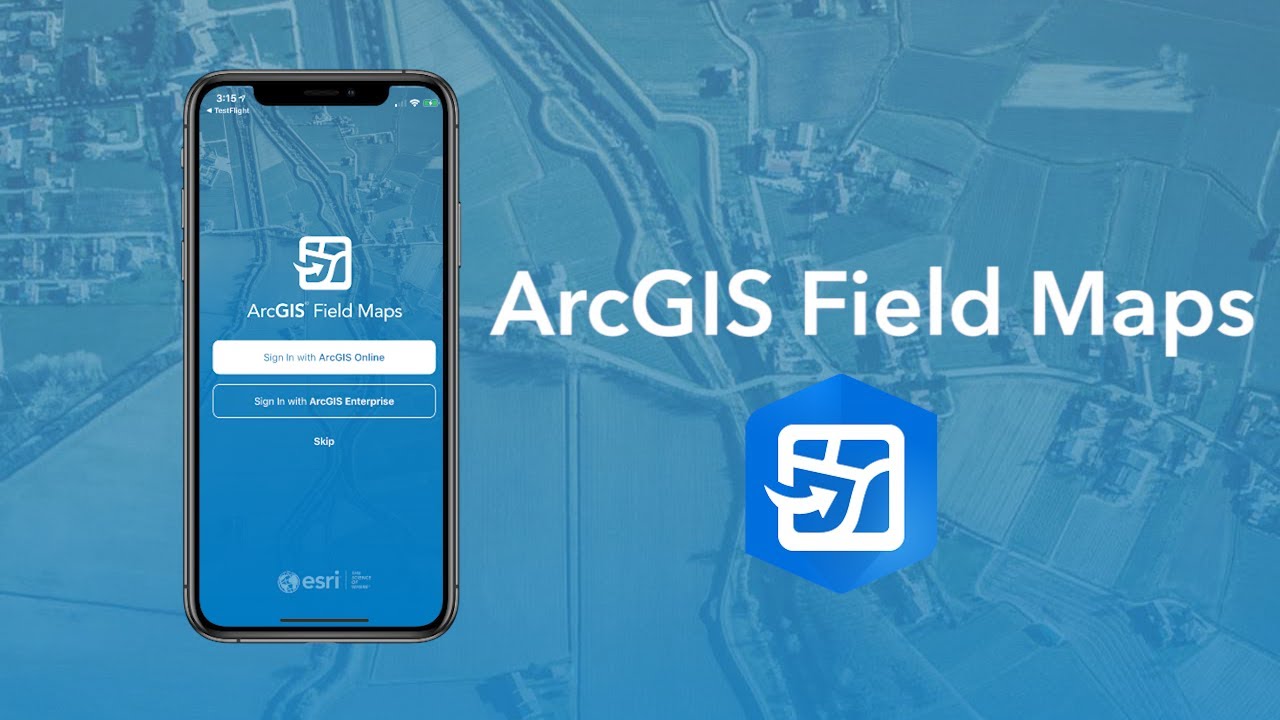
From first sign-in to delivering polished reports — our GIS team can help you at every step of your Esri Field Maps workflow. Share the details of your project below and we'll reach out within one business day.
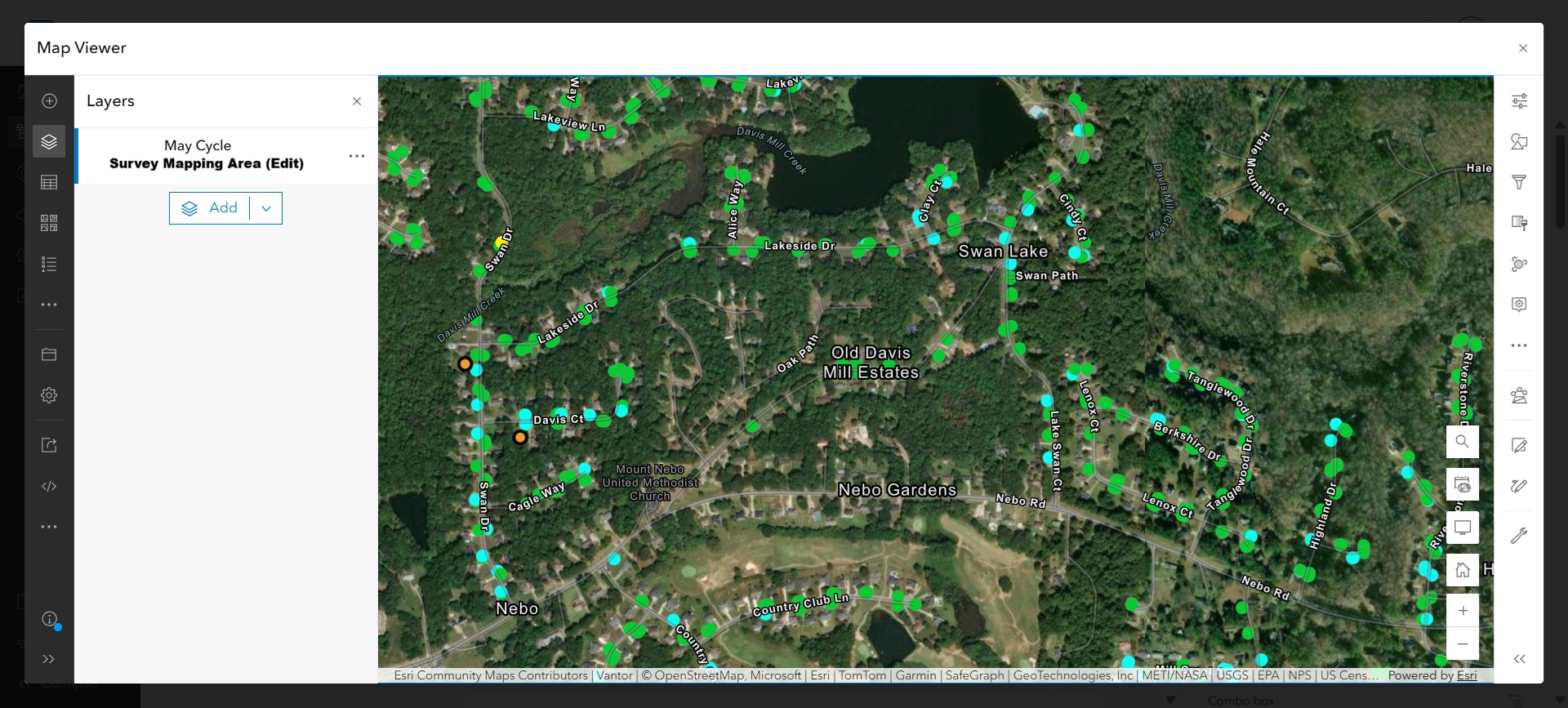
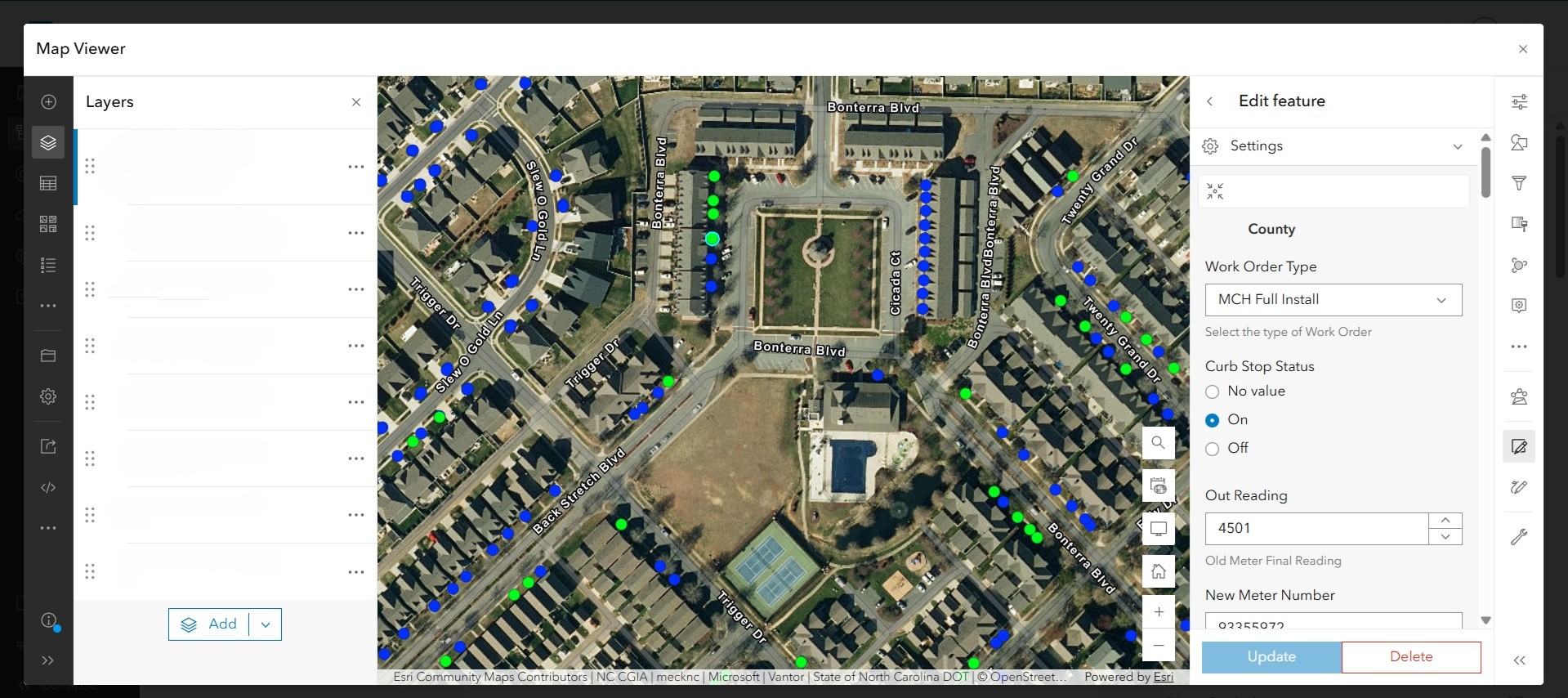
Already collecting data? We design map views that make field work effortless — clean basemaps, well-named layers, and survey areas your team can actually navigate.
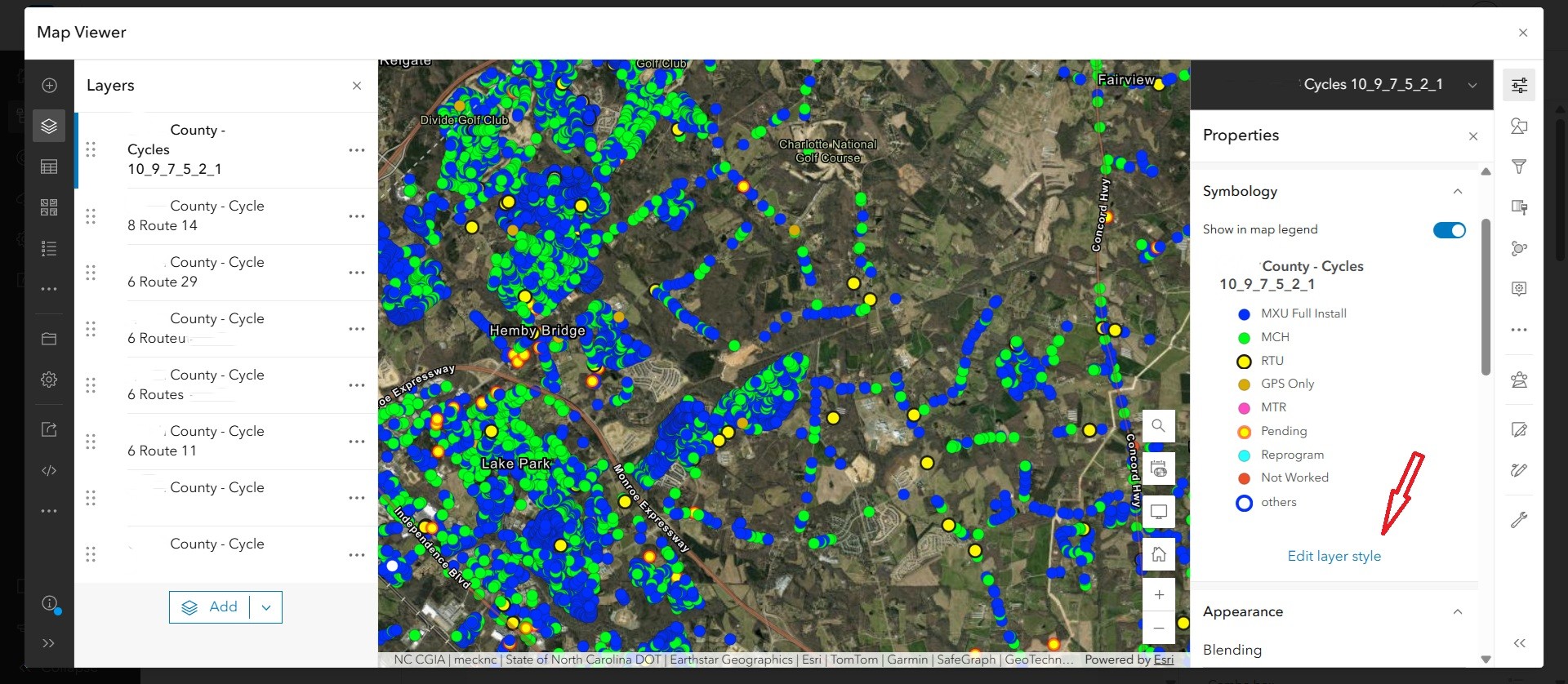
Need richer symbology? We translate your spreadsheet columns into clear, color-coded layer styles so install status, work order type, and cycle progress are obvious at a glance.
Finally, we make editing in the field painless. Smart forms, validated inputs, and round-tripping back to your spreadsheets — so your office and your crews stay in sync.
Tell us about your project
Talk to a GIS expert
Share the details of your Field Maps workflow and we'll get back to you fast.